

Key Takeaways
Smart home data collection
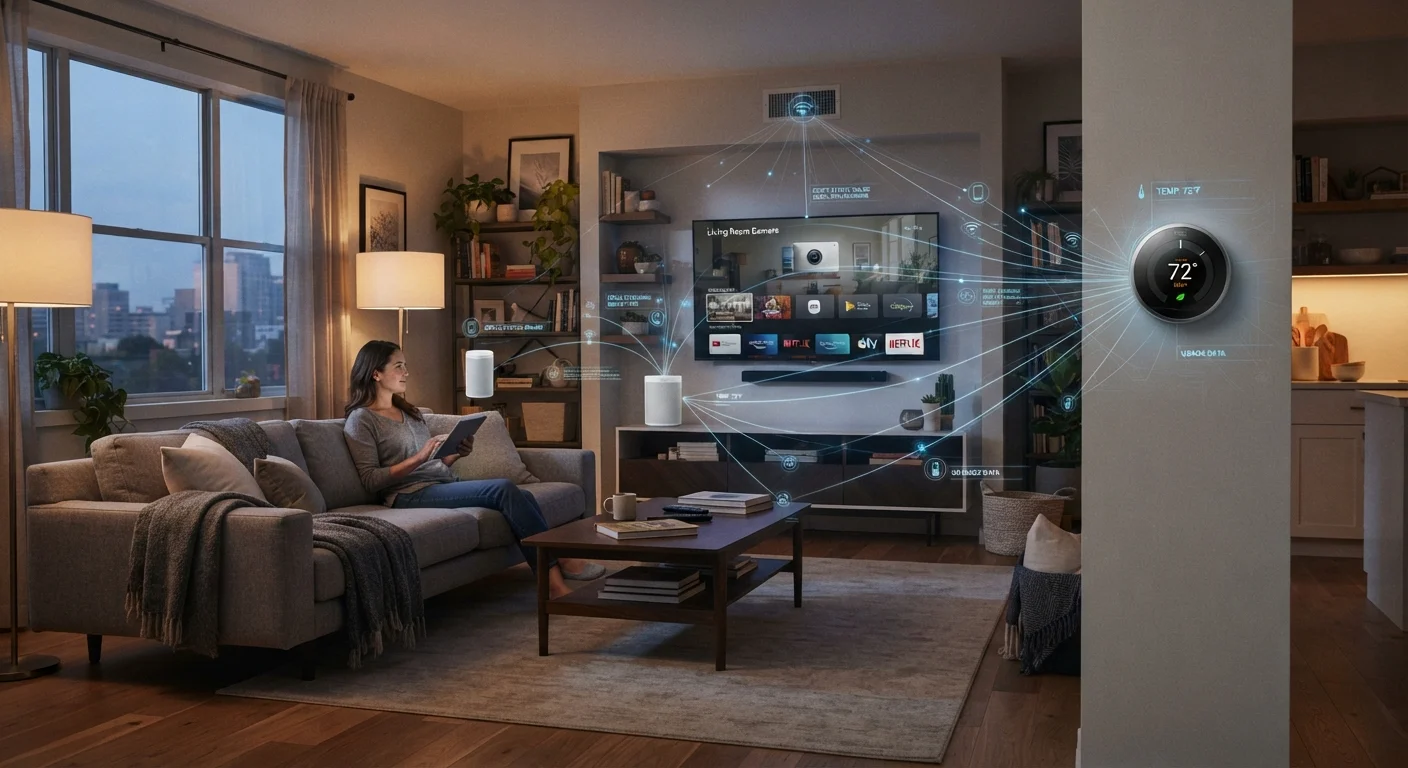
Smart home data collection is the process by which internet-connected household devices gather information about how, when, and where they are used. This information is typically sent to the device manufacturer's servers, where it may be stored, analyzed, or shared with third parties. The data collected can range from simple usage counts to detailed audio clips, location history, and behavioral patterns.
Most smart devices communicate over Wi-Fi or Bluetooth and use cloud-based processing, meaning collected data often leaves your home network before you see any result from it.
What smart home devices actually collect
The data profile a smart home device builds is broader than most people expect. Voice assistants log audio clips tied to account identifiers. Smart thermostats record when rooms are occupied and when the household is away. Robotic vacuums map floor plans and can log the layout of your home in detail. Smart doorbells capture video and sometimes facial-recognition metadata depending on the model and settings.
Beyond device-specific data, most smart home ecosystems also gather network information (the IP address and sometimes the physical location associated with your router), device identifiers, and interaction logs that record every tap, voice command, or schedule change you make. This operational data is used for product improvement but also for advertising and, in some cases, for sale to data brokers.
Smart TVs deserve particular attention. Many use automatic content recognition (ACR) technology, which samples what appears on screen at regular intervals and matches it against a database of known content. This applies to anything displayed through the TV's panel, not just its built-in apps. ACR can usually be turned off, but the option is buried in settings menus under names like "viewing data," "ad preferences," or "Samba Interactive TV," which vary by manufacturer.
Check your device's privacy settings right after setup
Most smart home devices ship with data collection features enabled by default. The setup process is designed for convenience, not privacy. Set aside ten minutes after initial setup to go through the privacy or data settings section of both the device menu and its companion app. Disabling features you do not use, such as personalization, voice history storage, or viewing data, takes effect immediately and does not reduce core functionality.
Why manufacturers collect this data
Device manufacturers collect data for several reasons, and not all of them are sinister. Diagnostic data genuinely helps engineers identify software crashes and improve future firmware updates. Usage patterns inform decisions about which features to develop or retire. Cloud processing is also technically necessary for features like voice recognition, since on-device processing is limited by the hardware in most consumer products.
However, a significant portion of data collection is driven by advertising revenue. Smart TVs, voice assistant platforms, and connected appliances are sold at competitive prices partly because the hardware is subsidized by data monetization. The device you buy once continues generating revenue for the manufacturer through the behavioral data it collects over its lifespan. This is worth factoring into the total cost of ownership, which families sometimes treat as purely a purchase-price calculation. For more on hidden recurring costs, see how subscription and data-driven costs add up.
Third-party data sharing is common. Privacy policies for major smart home platforms typically reserve the right to share anonymized or aggregated data with advertising partners. "Anonymized" data has documented limits: researchers have repeatedly shown that combining location, timing, and behavioral data can re-identify individuals even when names are removed.
What families can do to limit exposure
The most direct control families have is through device settings. Microphones on smart speakers can be physically muted when not in use; this is a hardware switch on most models, not a software toggle, so it cannot be overridden by an app update. Camera covers on smart displays cost very little and provide reliable physical privacy. Disabling ACR on each TV in the household requires a few minutes in the settings menu but reduces continuous screen monitoring.
App permissions deserve a review after setup, not just during it. Many companion apps request access to contacts, location, and camera permissions that are not required for the device's core function. On both Android and iOS, you can review and revoke these permissions individually without disabling the app entirely.
Network segmentation is a more advanced option. Placing smart home devices on a separate Wi-Fi network (a guest network works for this purpose) isolates them from computers and phones that hold more sensitive data. If a smart device is compromised, it cannot directly access your laptop or phone on the main network. This is covered in more detail in how home network connections work.
When devices reach end of life, data cleanup matters as much as physical disposal. Account deletion, factory resets, and de-authorization steps vary by platform. A device data safety checklist walks through the steps to clear personal information before passing a device on.
Smart home devices and children's privacy
Shared household devices do not automatically recognize when a child is interacting with them, which means children's voices and behaviors may be collected under adult account profiles. COPPA provides legal protections for children under 13, but these apply when a service knowingly collects data from that age group. If children use smart speakers or displays regularly, review the family controls available in the platform's account settings and consider whether always-on listening is appropriate for shared spaces.
Reading a privacy policy without giving up
Privacy policies are long by design, but a few sections are worth locating specifically. Look for "data we collect," "how we use your data," "third-party sharing," and "your choices" or "your rights." The last section tells you what you can actually opt out of and how to do it. In California, residents have additional rights under the California Consumer Privacy Act (CCPA) to request deletion of personal data; other states have passed similar laws, and the list is growing.
If a policy states that data is shared with "partners" or "affiliates" without naming them, that is worth noting before purchase. Some manufacturers publish a separate list of third-party partners; others do not. The absence of that list is informative in itself.
The habits that protect your data also tend to protect the devices themselves. Keeping firmware updated closes security vulnerabilities that could expose collected data to outside parties. For context on how device habits affect longevity more broadly, see the routines that shorten electronics lifespan.